
Mioe
The native AI note-taking and desktop assistant that collapses the loop between learning, researching, and capturing knowledge.
See Mioe in Action
Watch a full walkthrough of our screen crop selection workflow, inline code updates, and local notebook organization.
Designed for Ultimate Flow
Mioe eliminates the copy-paste friction from your learning and development loops, putting AI directly at your cursor.
Screen Crop & Ask AI Ctrl+Shift+Space
Draw a crop selection overlay across any monitor. Mioe handles high-DPI scaling dynamically to extract your image region, immediately feeding it to multimodal models as visual context.
Quick Ask Ctrl+Shift+A
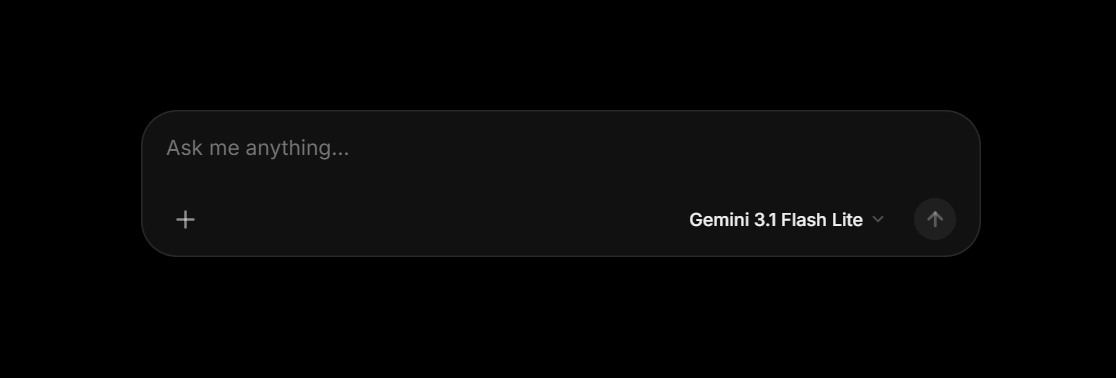
Highlight text in any application (browser, IDE, PDF, Slack) and hit the hotkey. Mioe simulates clipboard capture and opens the assistant popup pre-loaded with text.
Inline Rewriting & Safety
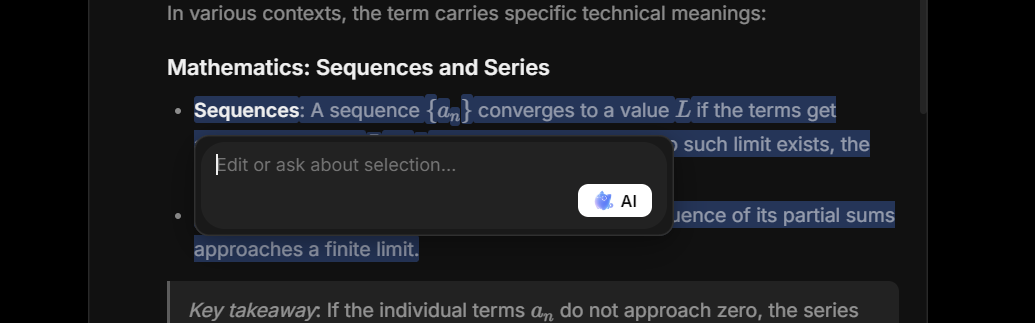
Highlight any text inside your notes or AI answers, trigger the inline assistant, and watch Mioe rewrite the section in-place. Roll back with Safety Undo if it is not perfect.
Local SQLite Notebook
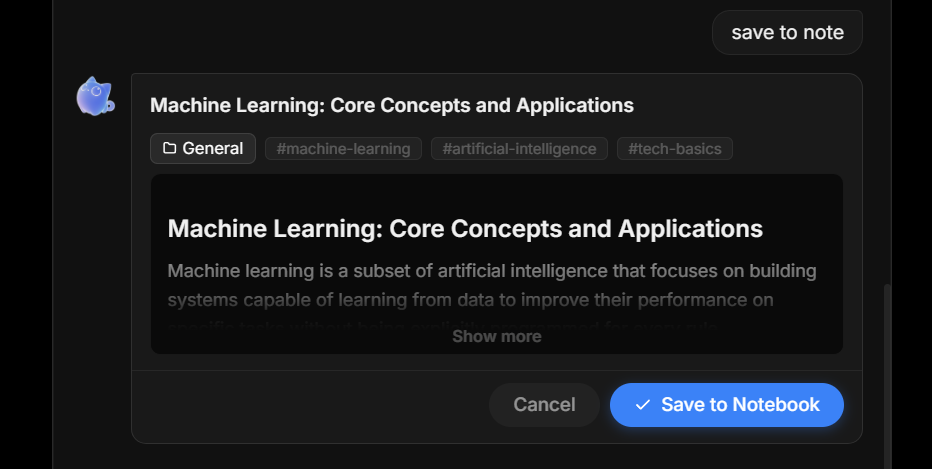
Your knowledge base stays local. A built-in SQLite database stores history. Mioe parses save requests automatically, creating subjects, markdown notes, and assigning tags.
Save Note to Notebook
Save notes directly to your personal workspace. Mioe automatically structures subjects, titles, formats markdown text, and groups thoughts for easy lookups.
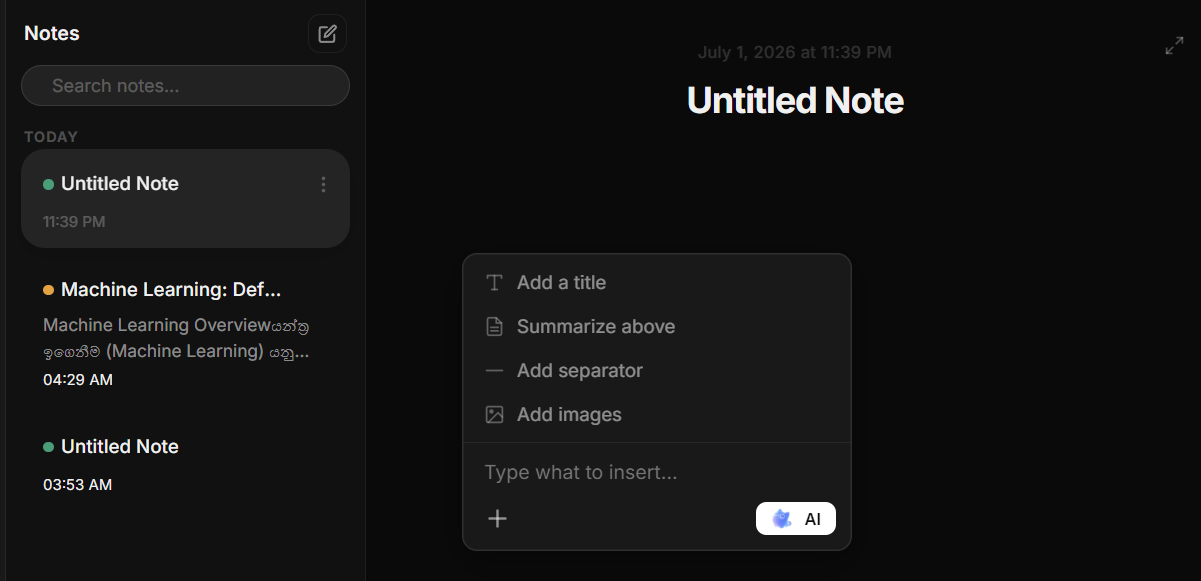
Trigger AI inside Note Ctrl + Enter
Place your cursor anywhere inside your SQLite editor notes, hit the shortcut, and let Mioe refine, summarize, or translate your text in-place without context-switching.
Get Mioe Today
Experience fluid, hotkey-based learning and research workflows. Download the installer or run the project locally.